My face froze mid-sentence at 10.40 on Wednesday 13 August, in front of eleven colleagues, one eyebrow raised, and stayed that way for four seconds. Four seconds is a long time to look sceptical about a spreadsheet. When the picture came back someone said "you've gone again", and I said I knew, and that I would sort it.
Why the wi-fi gave up
The router sits in the front room, because that is where the fibre comes in through the brick. My office is the box room, over the hall at the other end of the house, so the signal has to get through a ceiling, a chimney breast and the stairs. On a 500 Mbps line I was getting between 40 and 90 Mbps in there, with dropouts every time I joined a video call.
I tried everything free first: the laptop on the landing floor (better, until Pickle sat on the keyboard), the door open, the router moved a metre along the shelf, and the age-old switching it off and on again. A plug-in extender would have cost about £35 and, as far as I could read, halved the speed it was supposed to extend. Matt looked at the router, looked at the box room door and said that wi-fi is a rumour and a cable is a fact.
The route
Matt ran it on Saturday 16 August, with me holding the torch. From the router the cable goes along the top of the front room skirting, held every 30 cm with a clip, to the corner by the hall. A 10 mm hole at skirting level takes it through the wall into the cupboard under the stairs, which is also where the meters and the consumer unit live. He kept the data cable on the opposite side of that cupboard from the electrics and only let it cross a mains cable at right angles, which is the rule Matt had read up on before he started. Anything involving the mains side of that cupboard is a job for our electrician, and we left it alone.
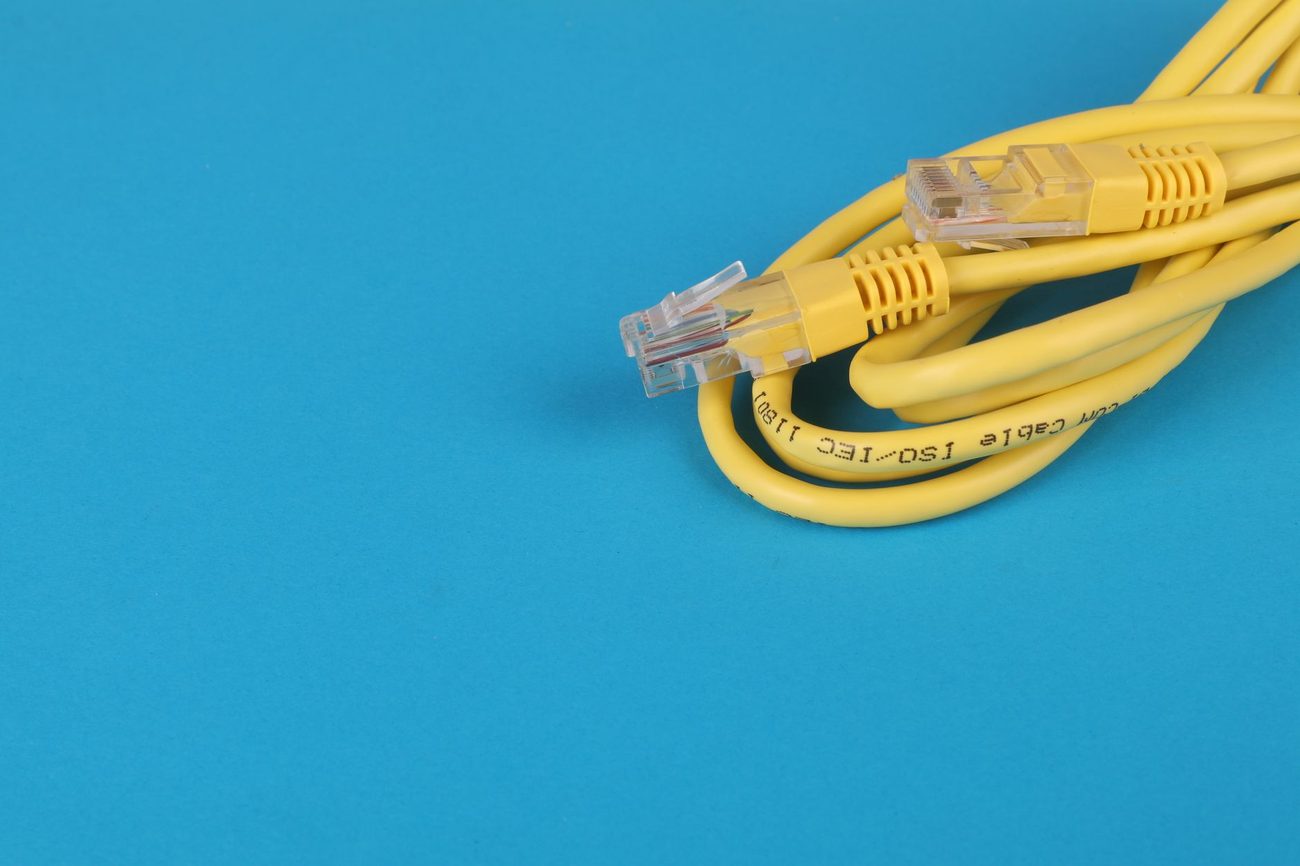
From there it goes up through the cupboard ceiling into the void under the landing, then under two lifted landing boards to the box room doorway, and finishes at a faceplate by my desk. Matt terminated both ends himself, and a short patch lead takes it from the wall to my laptop dock. It cost £48:
- 20 m of Cat6 cable: £16
- Two faceplates with sockets: £11
- A 300 mm masonry bit: £9
- Cable clips: £4
- Two short patch leads: £8
The pipe
Before he drilled up through the cupboard ceiling, Matt went over it with a cable and pipe detector that he had borrowed from Jas. I thought it was a bit much for one 10 mm hole. On the second pass the detector started beeping for metal, and it kept beeping at a spot about 8 cm from where he had planned to drill. It was a copper pipe, the heating flow to the box room radiator, running straight over the electrics cupboard. A drill through that would have put water into exactly the wrong place.
He moved the hole 15 cm towards the hall and then checked it from above, with the landing boards up and a torch, to be sure the bit would come up through clear joist space. The drill went through without a sound. I have stopped thinking the detector was a bit much.
What I get now
The speed test on the laptop says 482 Mbps, against the 500 on the contract, and the wi-fi in that room still says 40 to 90 for anyone who wants to check. I have just done a whole Wednesday of calls without a single dropout. The first time I joined a meeting and nobody said "you're breaking up", I almost missed it.
One thing I would do differently. We lifted the creakiest board on the landing to get the cable under, and then put it back with the same nails, so it still creaks. That was our chance to fix it, with the board up and the screws in the toolbox, and we let it go. Every time someone goes to the bathroom at night, it reminds me.